Lose weight without hard
counting or strict diets
Just log the food you already eat — Nutria estimates calories
and macros, analyses your diet and shows what to change.
 Download the app
How it works
Eat. Nutria counts the rest
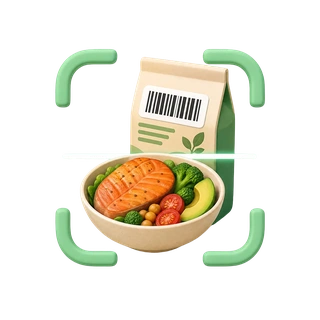
Scan
Photograph your breakfast, lunch or dinner — Nutria recognizes the products, estimates the portion size and calculates calories, protein, fat and carbs.
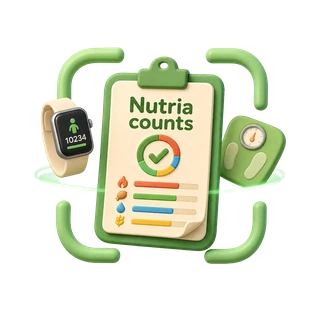
Nutria counts
Instead of counting by hand you get a clear picture of your whole day — measured against your personal daily target.
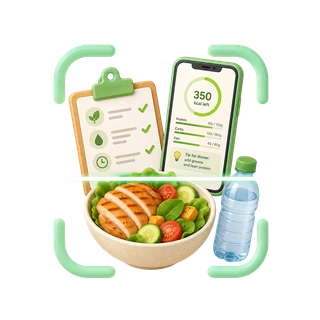
No forbidden foods
Pasta, dessert or your favourite breakfast can stay on the menu. What matters is the overall balance and a moderate energy deficit.
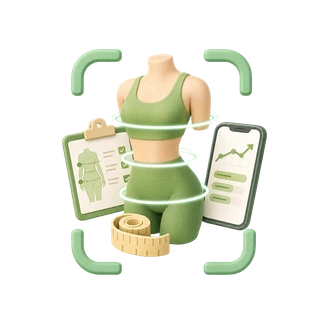
Real progress
Weight is only one number. Track weight, body measurements and activity: the body keeps getting leaner even while the scale stands still. Once a month, three photos — so you see the difference with your own eyes.
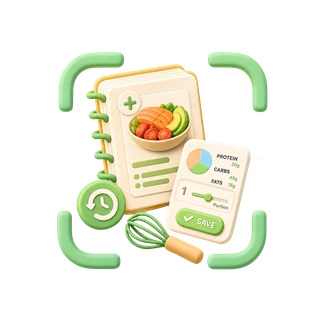
Your own recipes
Add packaged products by barcode, and save favourite dishes and recipes — next time you log them with a single tap.
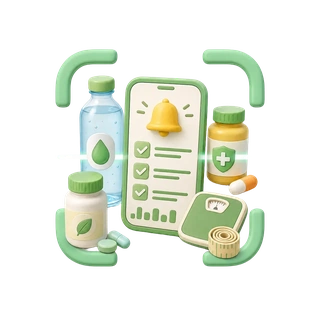
Smart reminders
Water, vitamins, medication and weekly measurements — the app reminds you by itself, even when closed.
Features
Not just numbers — you see what to do next
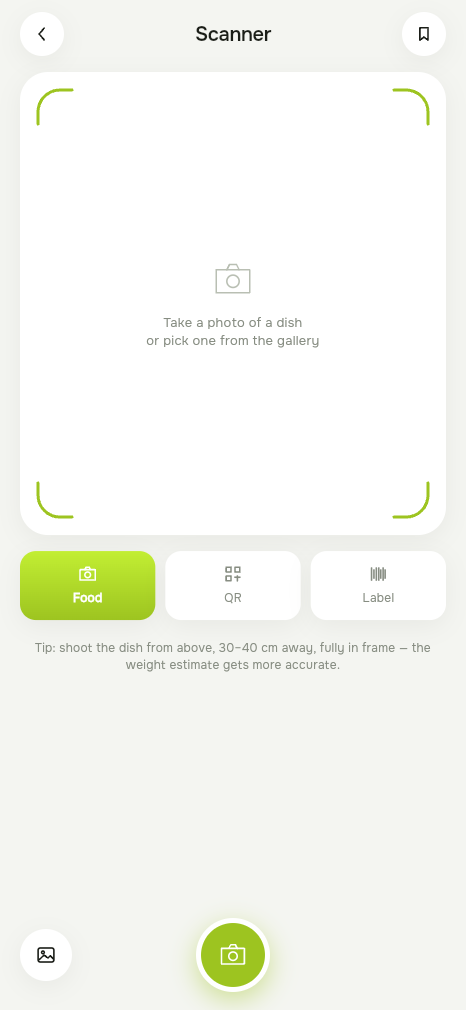
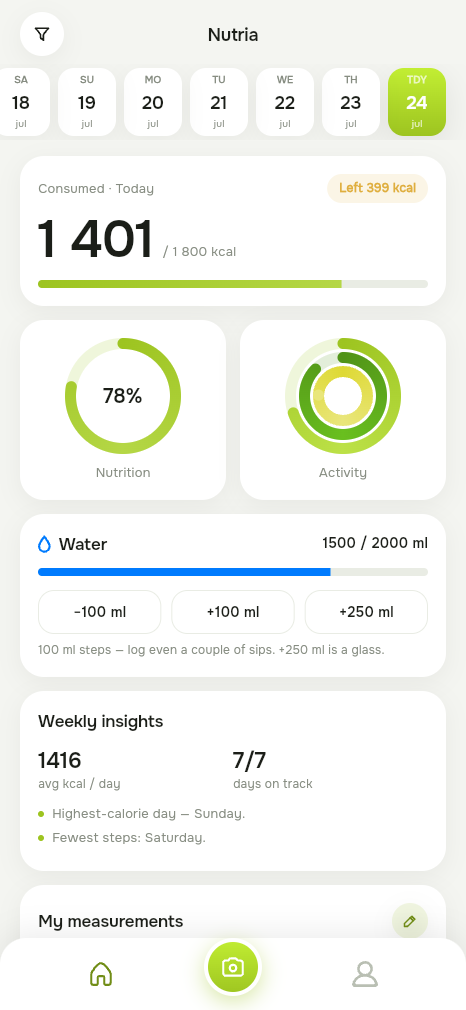
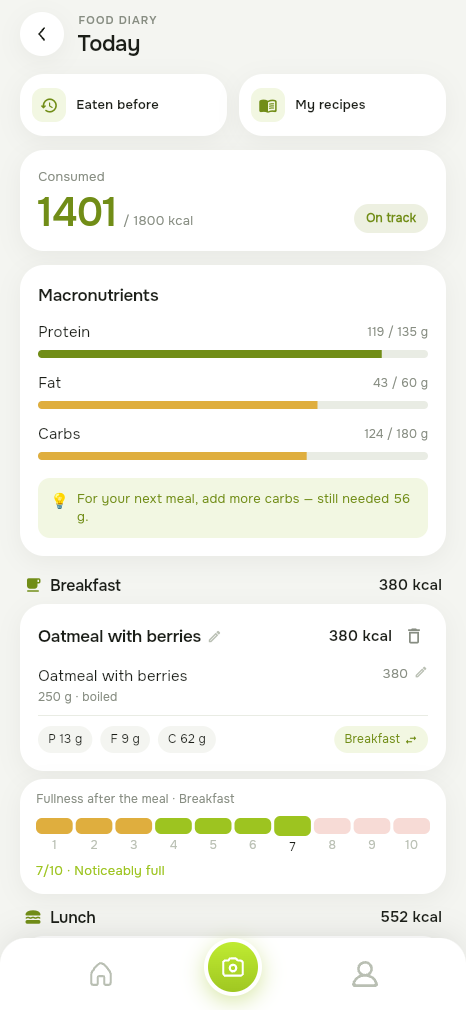
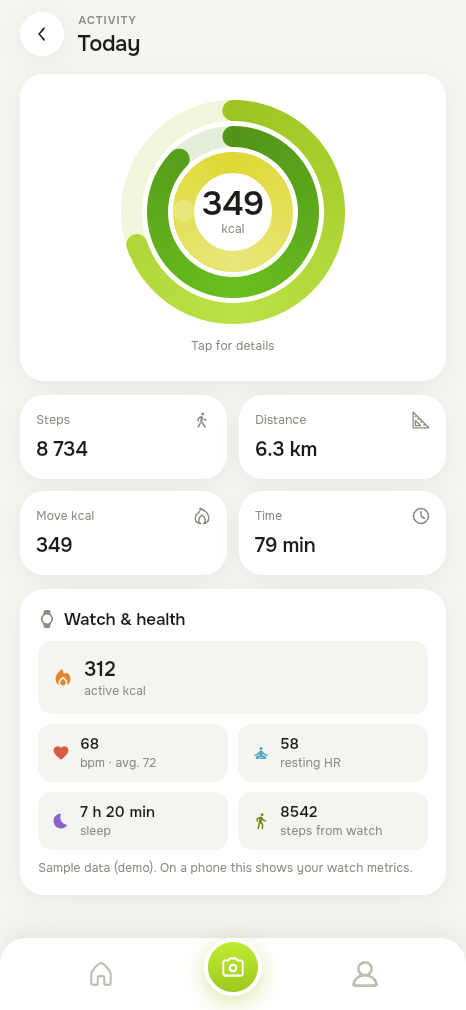
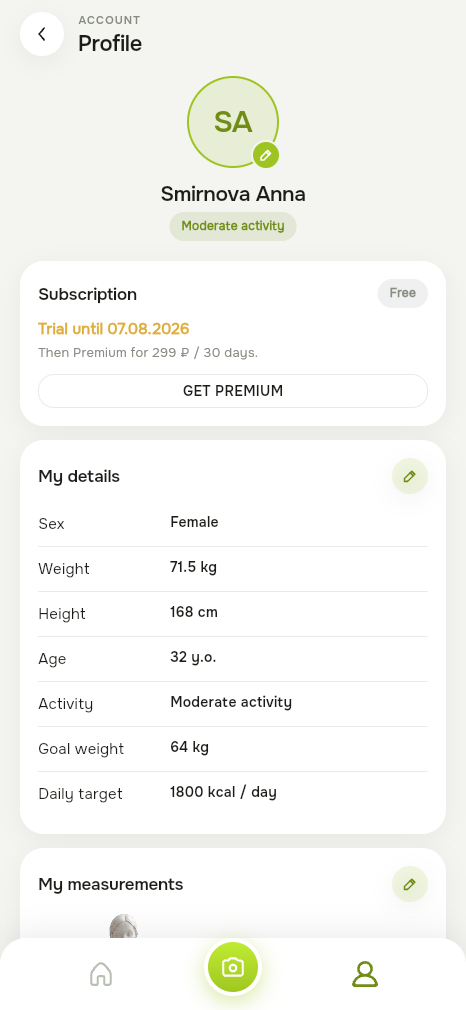
Smart scanner
Food, QR code, label or a photo from the gallery — assessed against your daily target.
In your hand
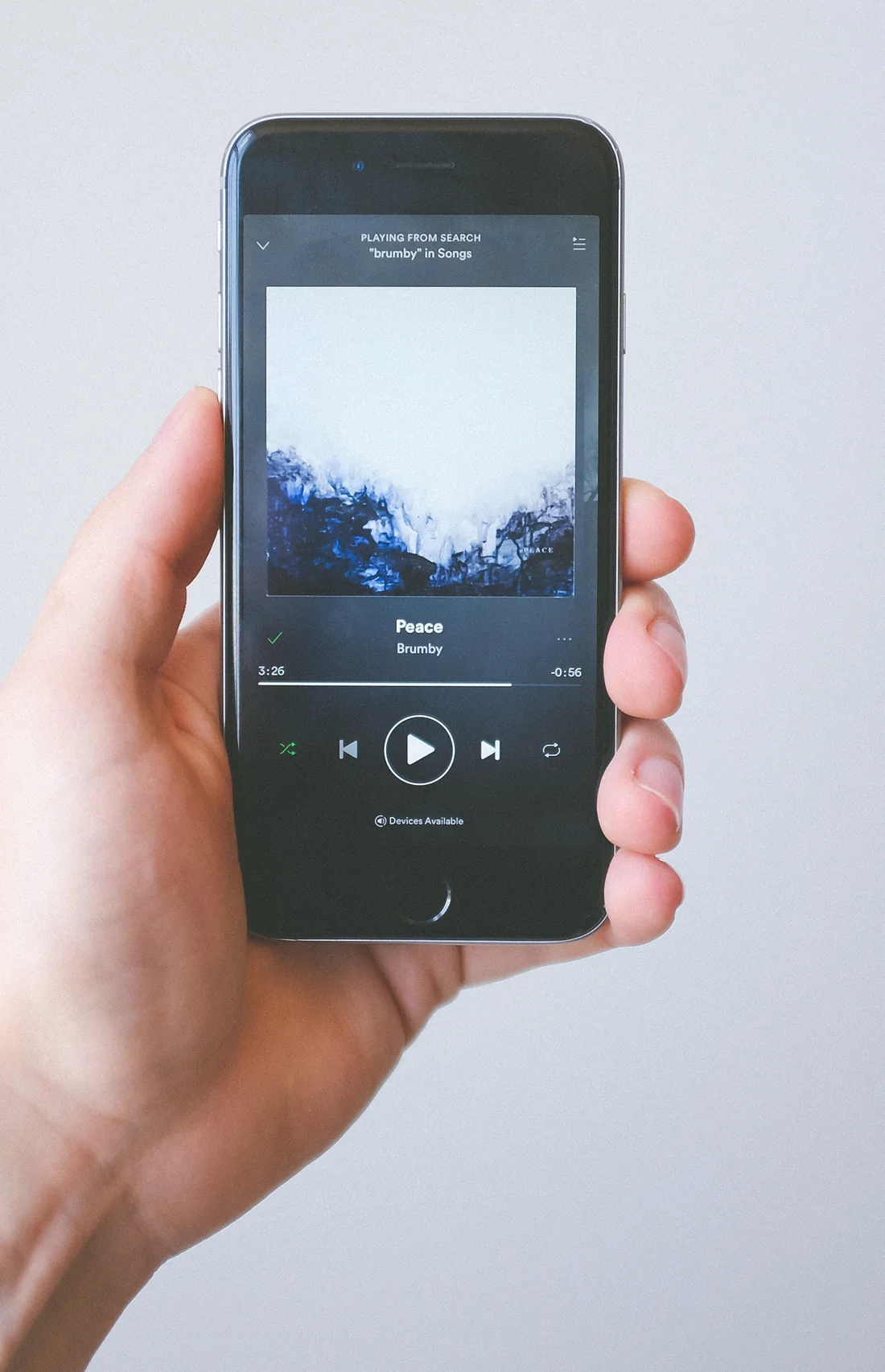
Not screenshots — the app, alive
This is the real Nutria interface: activity rings, diary and scanner animate exactly like in the app.
- 📊
Dashboard with activity rings
- 🥗
Diary with macro balance
- 📷
A scanner that counts for you
Today
Tuesday, August 5
Calories
0
of 1900 kcal
On track12:30
8 240 steps
Nutria on your wrist
Steps, heart rate and activity arrive from your smartwatch on their own — the rings close even while the phone stays in your pocket.
up to −0%
lower mortality risk among the most active people — a meta-analysis of 15 cohorts, 47,471 adults. Nutria turns those steps into rings you actually want to close.
The Lancet Public Health, 2022
0
steps a day already cut the key risks
0 g
of fibre a day — the science-backed target
0 L
of water a day — the EFSA reference Nutria reminds you about
Smart scanner
Get even more
Nutria keeps working when the screen is off
Smart reminders
Water, vitamins and measurements — the app pings you by itself.
Weekly analytics
The app analyses the data it collects and reveals patterns that are hard to spot on your own.
Sync everywhere
Phone, web app and watch — one account across all of them.
Progress photos
Three angles once a month — you see what the scale never shows. The photos stay on your phone.
Science, not magic
The Mifflin-St Jeor formula
Weight loss comes down to overall balance and a moderate energy deficit. Nutria calculates your personal target with a nutritionist-approved formula — sex, weight, height, age and activity level — and helps you stay within it.
What the research says
Nutria features are grounded in current nutrition and activity science — here are the key studies.
Around 8,000 steps a day markedly lowers mortality
A meta-analysis of 15 cohorts, 47,471 adults: the most active had a 40–53% lower risk of death. Benefits rise up to ~8–10k daily steps under 60, and 6–8k for older adults.
In Nutria: steps & activity ringsRead the study →J. of the American Dietetic Association · 2011A food diary is the strongest predictor of weight loss
A systematic review of 22 studies: consistent dietary self-monitoring is reliably associated with greater weight loss across every study that measured it.
In Nutria: diary & food scannerRead the study →American J. of Clinical Nutrition · 1990The Mifflin-St Jeor equation is the metabolic standard
Derived from 498 participants, it predicts resting energy expenditure more accurately than alternatives and is recommended by the US Academy of Nutrition and Dietetics.
In Nutria: your personal calorie targetRead the study →World Health Organization · 2015WHO: keep free sugars under 10% of daily calories
The WHO guideline recommends keeping free sugars below 10% of daily energy (ideally 5%) — reducing the risk of excess weight and tooth decay.
In Nutria: sugar in the label scannerRead the study →The Lancet · 201925–29 g of fibre a day cuts key risks by 15–30%
A meta-analysis of 185 observational studies and 58 trials: adequate fibre intake is linked to lower mortality and lower risk of type 2 diabetes, CHD and stroke.
In Nutria: fibre in the macro diaryRead the study →EFSA · 2010Water reference: about 2.0–2.5 litres a day
The European Food Safety Authority set adequate total water intake at 2.0 L/day for women and 2.5 L/day for men (including water from food).
In Nutria: water remindersRead the study →Help center
Frequently Asked Questions
Everything you need to know about Nutria, your account, privacy and support.
What is Nutria?
Nutria is a nutrition and activity tracking app designed to make everyday food logging easier. You can log meals, scan food and barcodes, track calories and macronutrients, save your own recipes, record body measurements, monitor activity and use reminders — all from one account across supported devices.
How does food scanning work?
Nutria can help identify food from a meal photo, product label or barcode and estimate its nutritional information and portion size. You can review the result before adding it to your diary.
Nutritional and portion estimates may not always be exact. Packaging information, preparation methods and actual serving sizes can differ, so you should correct the result whenever necessary.
Is Nutria a medical or diagnostic service?
No. Nutria is a wellness, nutrition and activity tracking tool and is not a medical device or medical service.
Information, calculations, reminders and recommendations provided by Nutria are for informational purposes only and are not intended to diagnose, treat, cure or prevent any disease or replace professional medical advice.
If you have a medical condition or specific dietary or health needs, consult a qualified healthcare professional.
What information can I track in Nutria?
Depending on the features you use, Nutria may allow you to track:
- meals and nutritional information;
- calories, protein, fat and carbohydrates;
- water intake;
- body weight and body measurements;
- activity and steps;
- personal goals;
- your own recipes and meals;
- reminders;
- supported health and fitness information from connected device services.
You control which optional features you use.
How does Nutria use Apple Health or Health Connect data?
Nutria accesses supported health or activity information only after you grant the relevant system permission.
Depending on your device and the permissions you choose, this may include information such as steps, activity, active energy, heart rate or sleep-related information.
You can revoke Nutria’s access at any time through your device’s privacy or health permissions.
Health information obtained through Apple Health or Health Connect is not used for advertising and is not sold to advertisers or data brokers.
Does Nutria upload my food photos?
According to Nutria’s current data architecture, food-image recognition is performed on the device and food photos are not uploaded to Nutria’s servers for storage.
Photos remain subject to the permissions and storage settings of your device.
What happens to my progress photos?
Progress photos — the front, side and back shots you can take about once a month — are stored on your device only. They are not uploaded to Nutria servers and are not synchronized between devices.
Because they never leave the device, they cannot be restored after you uninstall the app, clear its data or move to another phone. Keep copies elsewhere if the photos matter to you.
Deleting your Nutria account from within the app also removes the progress photos stored on that device.
How can I change information in my profile?
Profile information that is available for editing can be changed directly in Nutria through your Profile or Settings.
If you need to correct information that cannot be changed in the app, or you need help updating your account information, email support@app-nutria.com from the email address associated with your Nutria account.
Suggested subject: Profile Update Request
In your message, include:
- the email address associated with your Nutria account;
- the information you would like to correct or update;
- any additional details needed to identify the requested change.
For your security, never send your password by email.
How can I delete my Nutria account?
You can request permanent account deletion in any of the following ways:
- In Nutria: Profile → Delete account;
- Through the account deletion page at app-nutria.com/delete-account;
- By emailing support@app-nutria.com from the email address associated with your Nutria account.
Suggested subject: Account Deletion Request
Suggested message:
Please permanently delete my Nutria account and the personal data associated with it.
Account email: [your email address]
I understand that account deletion is irreversible.
We may ask you to verify ownership of the account before processing an email deletion request.
Never send your password to Nutria Support.
Once deletion has been completed, your account cannot be restored. Certain limited records may be retained only where required by applicable law, for fraud prevention, security, dispute resolution or compliance obligations.
Does deleting my Nutria account cancel my subscription?
Account deletion and subscription cancellation may be separate processes.
If your subscription was purchased through Apple App Store or Google Play, you should cancel the subscription through the subscription settings of the applicable store.
Deleting your Nutria account does not necessarily cancel a subscription that is managed directly by Apple or Google.
What should I do if I cannot access my account?
If you cannot access your account or cannot complete an account-related action yourself, contact support@app-nutria.com.
Whenever possible, write from the email address associated with your Nutria account. This helps us verify account ownership.
Do not send your password, full payment card details or other unnecessary sensitive information.
Can I use Nutria on more than one device?
Where synchronization is supported, your Nutria account can keep your diary and profile information available across supported devices and the web version.
Some device-specific information or permissions, including Apple Health and Health Connect permissions, may need to be enabled separately on each compatible device.
How do reminders work?
Nutria may provide reminders for features such as water intake, vitamins, medication or measurements.
Notifications require permission from your device. You can change or disable notification permissions at any time through your device settings and, where available, through Nutria’s reminder settings.
Nutria reminders are organizational tools only and should not be relied on as emergency or medical alerts.
How do I contact Nutria Support?
For account questions, profile corrections, privacy requests, account deletion or technical support, contact support@app-nutria.com.
When contacting support, include the email associated with your account and a short description of your request.
Never include your password in an email.
Still need help? Write to support@app-nutria.com — please include the email address linked to your account.
Start today
Photograph your first meal and start from the diet you already have.
 Download for Android
 Open on iPhone
On iPhone, Nutria runs as a web app: open it in Safari, tap Share → “Add to Home Screen” — the icon will appear next to your regular apps. A native App Store version is in preparation.